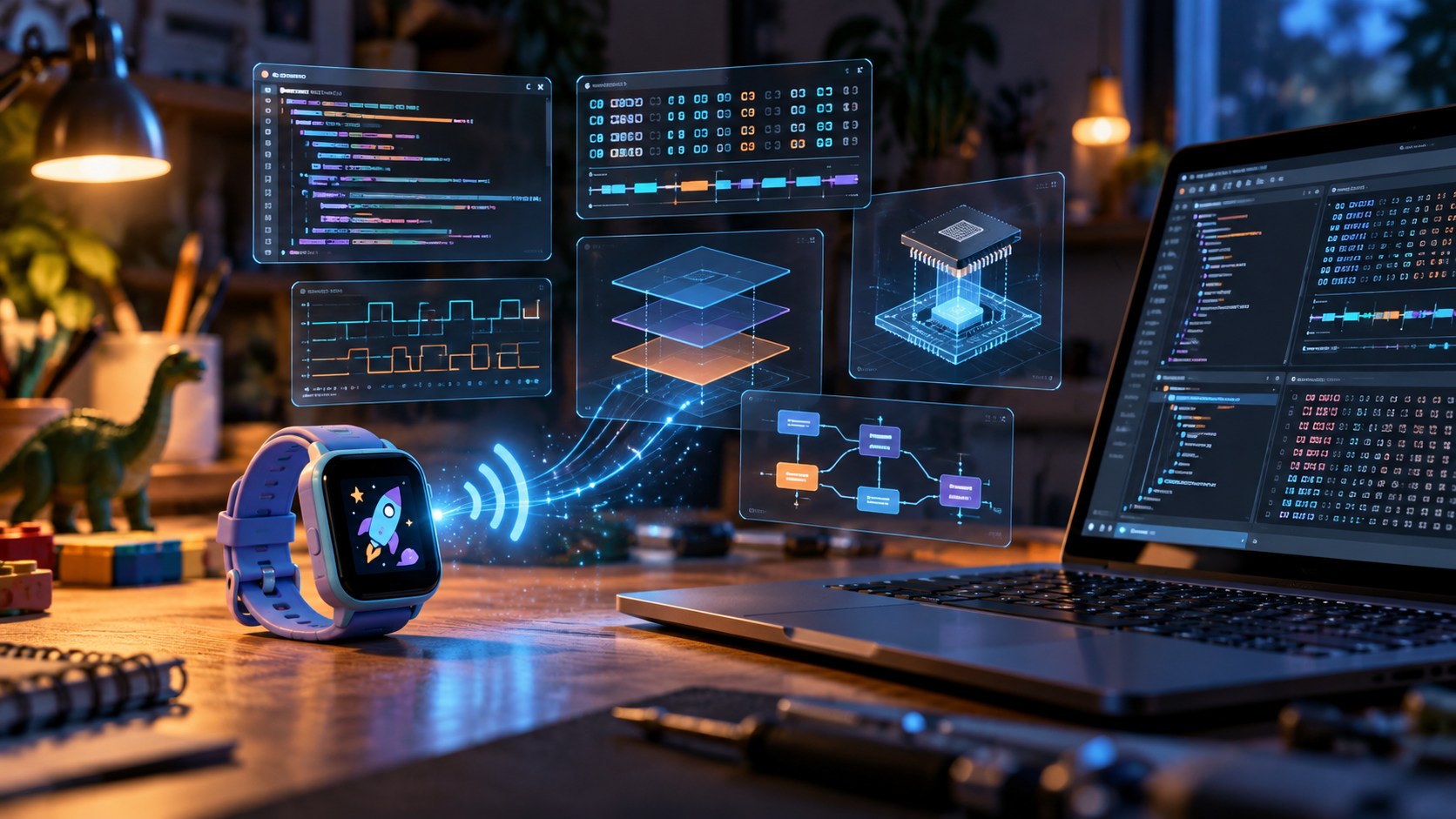
The watch was fine. AI reverse engineering showed the app was the problem.
I bought my kids a UMIDIGI Uwatch 5S, a cheap fitness watch with steps and alarms, for AI reverse engineering.
Then I tried to configure it.
The companion app, OyeFit, isn’t on the Play Store. The only copy I could find was an APK from a third-party mirror, and it refused to run on my Android version.
So I dug out an old phone, charged it, installed the APK there, and eventually got it running.
To set an alarm on a watch sitting 20 cm from my laptop, I now needed an old phone, an account, and several screens of awkwardly translated menus.
I owned the watch. It was sitting next to a perfectly good computer.
Surely I could do better.
The question
The watch communicates over Bluetooth Low Energy. The Android app communicates with the watch. Nothing about that requires that particular app.
So I spent an evening finding out what it would take to control the watch directly from my Mac. Most of the work was done with an AI coding agent.
The agent did nearly all the typing.
It decompiled the APK I found, traced the Bluetooth code, reconstructed the protocol, investigated the native authentication library, wrote the Python client, built tests, and debugged macOS Bluetooth behavior.
My role was mostly to define scope, question assumptions, interact with the physical hardware, and decide how we could verify whether the agent was actually right.
That last part became the interesting one. The biggest lesson wasn’t that an AI agent could write the code.
It was that an agent becomes dramatically more useful when you give it enough ground truth to discover when its own code, or its model of the system, is wrong.
For the record, this was interoperability work on hardware I own, using a freely distributed application. No vendor code is redistributed.
My ambition was considerably less dramatic: I wanted to set an alarm from my laptop.
Act 1: the app gave us a map
There is no public protocol specification for this watch, but there is an Android app that knows how to talk to it.
jadx turned the APK into 12,882 Java files.
Most were irrelevant. The interesting part was a thin layer around the Bluetooth communication, from which the agent reconstructed 58 commands over the Nordic UART BLE service.
For example:
0x02/0x26sets the time0x03/0x05reads step history- alarms are ten slots of four bytes each
The app gave us a very good map of the intended protocol.
But, as we would later learn, what the app does and what the watch actually requires are not always the same thing.
The hardware still gets the final vote.
Act 2: the cipher, and the oracle
Authentication used a native ARM64 library called libdevice_auth.so.
From the disassembly, the algorithm looked like FEAL-32. The agent re-implemented it in Python.
The harder question was: how do we know it’s correct?
The watch only tells you whether authentication succeeds or fails, which is not much help for debugging cryptography.
So the agent loaded the manufacturer’s native library into Unicorn, an ARM emulator, and ran the original implementation locally.
That gave us an oracle.
Feed the same inputs to:
- the manufacturer’s binary
- our Python implementation
Then compare the outputs.
We ran 3,010 test vectors.
Every one matched.
The implementation was no longer “probably right”. We had a way to verify it independently.
That pattern would repeat throughout the project.
Act 3: macOS said no, silently
With the protocol understood and the CLI written, we tried to connect.
Abort trap: 6No exception. No useful stderr. The process simply disappeared.
The breakthrough was finding the macOS crash report in:
~/Library/Logs/DiagnosticReports/From there the problem became concrete. MacOS requires Bluetooth applications to declare NSBluetoothAlwaysUsageDescription, which a plain Python script does not.
Fixing it required three things:
- wrapping the tool in a real
.app - packaging the actual Python interpreter instead of Homebrew’s launcher
- launching through LaunchServices so macOS attributed Bluetooth permissions to the app rather than the terminal
Then the permission dialog appeared.
Again, the important step wasn’t guessing harder. It was finding a source of truth.
Act 4: the watch disagreed with the app
With Bluetooth working, we sent the reconstructed authentication handshake.
The watch rejected it.
The cipher had already been verified against the manufacturer’s binary, so the crypto was probably not the problem.
Our model of the system was.
Instead of changing the login code again, the agent built a probe command that connected to the watch and tried operations in a controlled order.
The result was almost funny.
The watch answered commands immediately after a bare BLE connection.
No pairing. No login. No authentication.
The Android app performs the authentication flow during binding, but this firmware doesn’t require it for normal commands.
We had correctly reconstructed behavior that wasn’t actually necessary.
The app told us what the app does. The watch told us what the watch requires.
There was one final gotcha: after the first successful connection, the watch disappeared from scans.
Nothing was broken. The previous process was still connected, so the watch had stopped advertising. The apparent failure was caused by the previous attempt working.
What I ended up with
By the end of the evening, this worked:
uwatch time                    # set the clock and timezone from the computer
uwatch alarms                  # list the alarms currently on the watch
uwatch steps --hourly          # step history, broken down by hour
uwatch face 2                  # switch to the second built-in watch face
uwatch info                    # battery, firmware, current face
uwatch alarm-add 07:15 --days weekdays  # add one: 07:15, Monday to Friday
No account. No cloud service. No old Android phone sitting in a drawer.
And the project now has 67 tests that run without the physical watch. That mattered, because the watch belonged to a child who wanted it back.
What actually made the AI agent useful
The technical details are in the repository. The more interesting lessons were about working with the agent.
1. Give the agent an oracle
This was the biggest lesson.
Whenever we got stuck, the useful move was to give the agent a way to distinguish reality from a plausible guess.
For the cipher, the oracle was the manufacturer’s native implementation.
For macOS, it was the crash report.
For protocol behavior, it was a fake watch used in tests.
For the authentication assumptions, it was the probe command against real hardware.
And at the end, it was a concrete acceptance test:
Set the watch’s clock to match this computer.
The more independently verifiable I made the task, the less supervision the agent needed.
Without an oracle, an agent can produce very convincing explanations for something that is wrong.
With one, it can iterate.
2. Separate research from implementation
I didn’t start with:
Build me a replacement smartwatch application.
I first asked:
Decompile this application and document the protocol.
Only after we had a protocol document did I ask the agent to build something.
That gave me a checkpoint I could inspect before another layer of code was added.
3. Name the features, not the product
I also avoided asking for “an OyeFit replacement”.
Instead, I gave it a bounded list:
- set the time
- get and set alarms
- read step history
- change the watch face
Bounded scope gives the agent a clear definition of done.
4. Make physical hand-offs explicit
An agent can inspect binaries, run tests and parse logs.
It cannot wake a smartwatch sitting on a desk.
At one point, one of my most useful messages was simply:
The watch is awake now.
When software interacts with hardware, being explicit about where the human has to intervene prevents a surprising amount of wasted debugging.
5. Require one real end-to-end test
Eventually I asked for one concrete operation against the real device:
Set the watch’s clock to match this computer.
That single test crossed almost every layer: Python, Bluetooth permissions, BLE discovery, connection management, protocol encoding and the physical device.
A successful end-to-end action collapses a lot of uncertainty.
6. Turn mistakes into persistent guardrails
At one point, the agent committed and pushed changes before showing me the diff.
I didn’t just tell it not to do that again.
I had it write the rule into the repository instructions: stage the changes, show the diff, stop, wait for approval, and treat pushing as a separate decision.
That turned a one-session correction into a constraint every future agent session inherits.
7. Preserve the expensive knowledge
At the end, I had the agent create an AGENTS.md with the things most likely to be rediscovered later:
- don’t simplify the macOS app bundle
- don’t “fix” the cipher; it was verified against the vendor binary
- authentication exists in the app but isn’t required by this firmware
- bluetooth discovery may fail because another process is still connected
Then I asked it to verify those claims against the repository.
It caught some drift in its own documentation.
That was a useful reminder: session context disappears, but repository context survives.
The most valuable knowledge is often not what the code does. It’s why the obvious alternative doesn’t work.
Was it worth it?
As a way to avoid configuring a cheap smartwatch through an old Android phone?
Economically, absolutely not.
As an experiment in how far a coding agent can go when it has tools, constraints, hardware feedback and ways to verify itself? Absolutely.
My kid gets an alarm without me resurrecting an old phone.
I get a documented protocol for a device that wasn’t supposed to have one.
But the part I’ll remember isn’t the smartwatch. It’s the workflow.
The useful skill wasn’t asking an AI agent to generate code.
It was designing an environment in which the agent could discover when its code, assumptions, or understanding of the system were wrong.
The gap between a device I own and a device I can control turned out to be thinner than it looked.
With the right tools, and enough ways to check the answers, it was an evening.
Tool and protocol documentation: github.com/samuelcampos/umidigi-watch. Tested on firmware UWATCH5S_A0_V1.06_A00_0825_YM.